Skip to content
Existing Client? Log In Support Get Started Get Started

Made for event teams

Box Office Management Software for Sales, Guest Details and Faster Entry Australia

Box Office Management Software lets you sell online and at the box office, answer guest questions quickly and keep entry moving.
  • Flexible tickets for the way your event sells
  • Guest details ready for your team
  • Shared entry list ready for the door team

Ask Fai, our AI teammate, about Ticket Fairy’s features, pricing and how it could work for your event.

No setup fees or subscription required
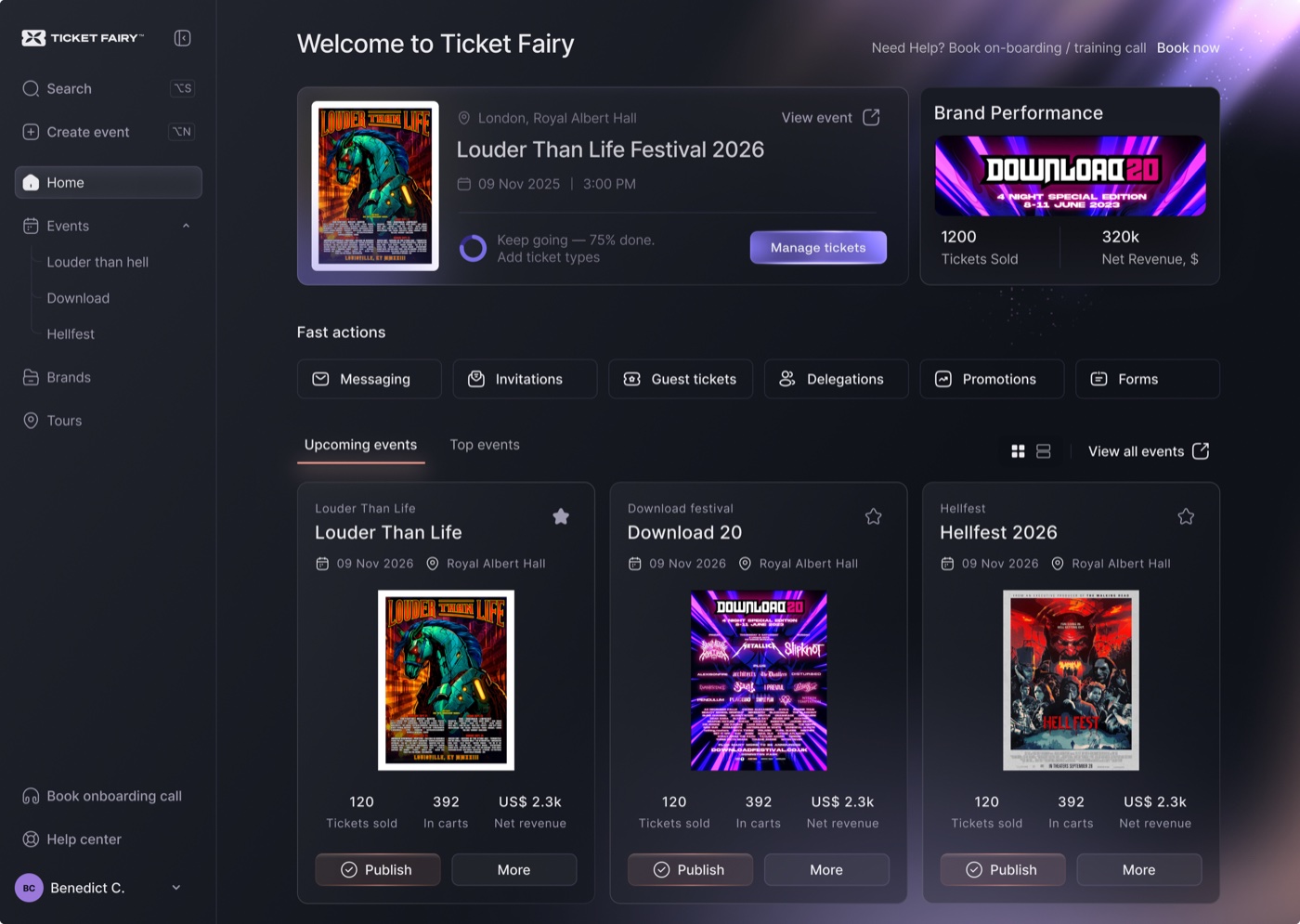
Ticket Fairy event dashboard
Sell more tickets, help buyers faster and get guests in quickly.

Run your events like a company many times your size. Sell more tickets, understand your audience and run your event with less admin.

25,000+Events ticketed
10M+Tickets issued
$300M+Ticket sales
10+Countries

Sell From the Same Tickets Everywhere and Answer Every Guest Faster

Take Card Payments at the Door

You can sell walk-up tickets with a card reader or Tap to Pay where enabled, from the same tickets you sell online.

Answer Booking Questions Fast

You can find the buyer, attendee and payment details when a customer needs help or a booking changes.

Issue Tickets the Way Your Venue Needs

You can send mobile tickets or print thermal paper tickets with BOCA printers at the box office.

Sell a Walk-up Ticket and Scan It Immediately

You can issue the ticket at the box office, then scan it on most iOS or Android phones and tablets.
Explore all features

Our team answers your ticket buyers' questions for you, at no extra cost.

24/7 ticket buyer support

Our support team is there around the clock to help your ticket buyers with any question, by email, chat and social media.

Help moving from another platform

When you move from another platform, our team can set up your events and branding and train your team, timed around your on-sale date.

Multi-channel support

You can get support by email, WhatsApp and video call on Zoom or Google Meet, plus a help centre full of guides and FAQs.

Help during your event

If something goes wrong during an on-sale, contact our team at any hour and we will help you fix it.

Your ticket price and the fee

Standard buyer-paid ticket fees include payment processing and customer service for your ticket buyers. Taxes, optional services, bank instalments and custom agreements may change the total.

Pricing for Australia

Ticketing fees in Australia

Fees depend on your ticket price and country. All standard fees shown include payment processing and customer service for your ticket buyers.

🎟️

You and your attendees pay no fees on free tickets

💎

8–10% of the ticket price: the higher the ticket price, the lower the fee

📊

Minimum fee of A$2.00 per paid ticket

✅

Core ticketing, standard payment processing and customer service for your ticket buyers included

What your ticketing fee includes

  • Your ticketing platform and event tools
  • Standard card payment processing
  • Campaigns and buyer referral rewards
  • Customer service for your ticket buyers, handled by Ticket Fairy, plus support for you
  • Real-time analytics dashboard
  • Mobile check-in app

No setup fee or required monthly fee • By default, buyers pay the fee on top of your ticket price and you receive the full ticket price

Sell Online, at the Box Office and at the Door Without Overselling

Online and box office availability out of step?

You can sell online and at the window from the same tickets, so every seller sees how many are left.

A guest needs help while the queue grows?

You can find the booking, attendee and ticket quickly.

Guest details changed before doors opened?

Your door team can scan tickets and open the booking when a guest needs help.

Sell Online and at the Box Office Without Overselling

Good box office ticketing systems let you sell online and at the door from the same tickets, so you never sell more places than you have. With Ticket Fairy, your box office staff also see the booking details they need to help each guest, and the queue keeps moving.

Sell online, at the window and at the door from shared availability

  1. 1

    Open one sale across every channel

    Put tickets on sale online and let your box office staff sell from the same tickets.

  2. 2

    Take Payment and Help Buyers at the Box Office

    Use a card reader or Tap to Pay where enabled, find bookings and handle changes without sending the buyer elsewhere.

  3. 3

    Scan Tickets Quickly at the Door

    Give entry staff the buyer and ticket details needed to help guests quickly.

Give Every Guest a Faster Box Office Experience

Box Office Management Software That Keeps the Queue Moving

Your sellers and support staff see the buyer, payment and ticket details on every booking, so guests get a quick answer without anyone calling you, even when the lobby is full.

Grow Box Office Sales Alongside Online and Promoter Sales

You can compare online, box office and promoter sales, then give your front of house team the booking details they need to run every performance smoothly.

Questions About Event Ticketing

Practical questions

Yes. You can ask questions for the whole order or each attendee, so your team gets the information it needs before arrival.

Yes. You can set ticket choices, prices, quantities and sale times, then add eligible items such as merchandise, parking or donations to checkout.

Yes. Door staff can scan tickets and search orders to see the ticket, attendee and booking details, so they can help guests and keep the queue moving.

Sell More at the Door and Keep the Queue Moving

Start without a credit card or monthly fee. Buyers pay the ticketing fee by default.